
Bibata Original Rose Pine Cursor

Cursors in the pack
Description
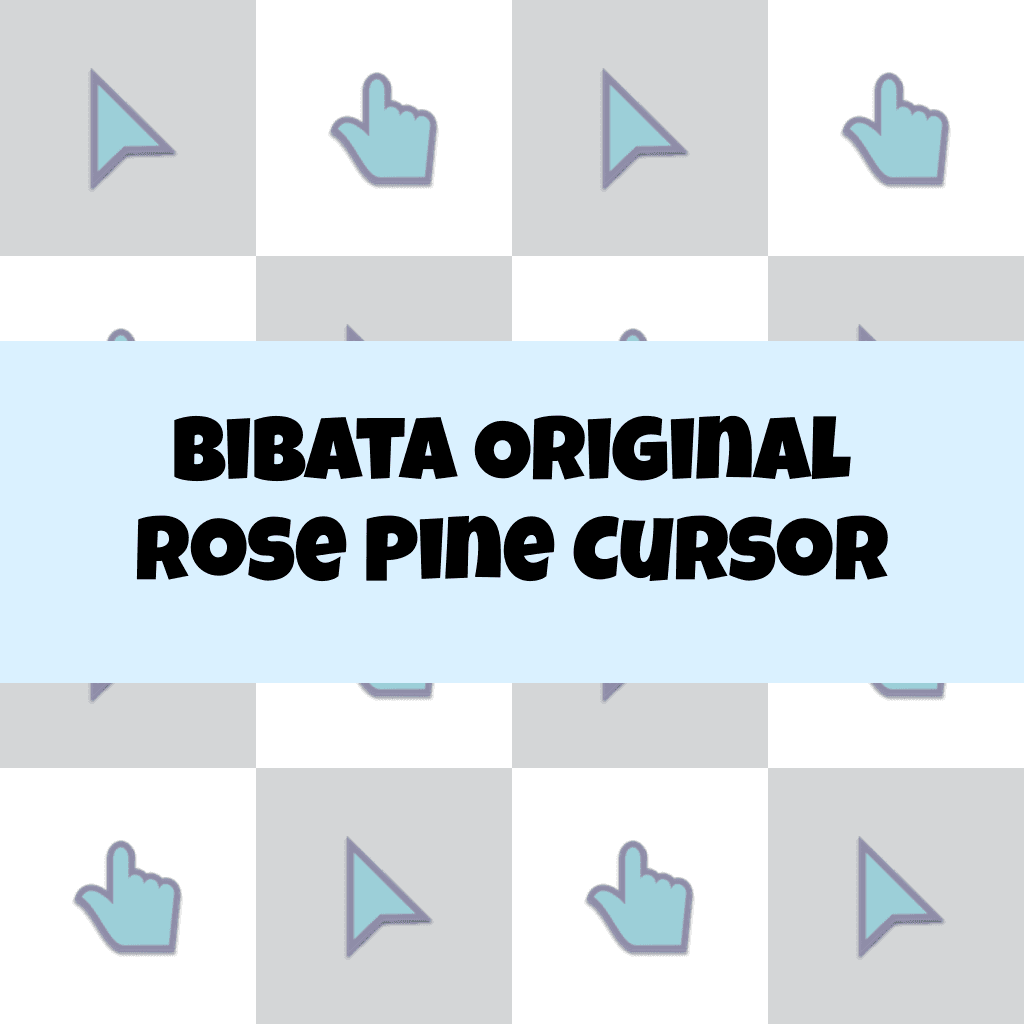
Introducing the Bibata Original Rose Pine Cursor, a perfect blend of elegance and functionality. This exquisite cursor features a stylish rose pine design that will instantly enhance your digital experience. With its smooth and precise performance, you'll navigate your screen with ease and efficiency. Say goodbye to dull cursors and add a touch of sophistication to your computer interface.
Upgrade to the Bibata Original Rose Pine Cursor and let your unique style shine through.
What's included in the package
- Default Cursor
- Pointer (Hand)
How to install a custom cursor pack Bibata Original Rose Pine Cursor
Install the Cursor Space extension for Chrome or Cursor Space for Edge in your browser.
On this page, click "Add this cursor pack to the extension".
Open the extension and go to the Packs tab.
Find the custom cursor pack "Bibata Original Rose Pine Cursor" and click it.
Enjoy!
Ready to install?
Get this cursor pack and thousands of others by installing our extension. It's fast and free!
About this cursor pack
Bibata Original Rose Pine Cursor is a themed cursor pack you can add to your browser to personalize your pointer across common cursor states (default and pointer). Use it for everyday browsing, streaming, studying, or gaming-anywhere you want your cursor to match your vibe.
Instant preview
See how the cursors look before installing.
Easy install
Add the pack to the extension in a few clicks.
Works in your browser
Designed for Chrome and Edge via the extension.
FAQ
Quick answers to common questions about cursor packs, collections, and installation.
Do I need an extension?
Which browsers are supported?
How do I switch back to the default cursor?
Popular cursors today
Custom cursor and packs - neon, anime, pixel art. Quickly add to Chrome and Microsoft Edge for free
- TOP 1

Orange gradient cursor
(2.0k)FreeUpgrade your browsing with the Vibrant Orange Gradient Cursor. This custom cursor offers a seamless orange gradient, merging style with functionality
- TOP 2
Happy Gorilla cursor
(76)FreeThis gorilla is designed as a custom cursor for the mouse that will replace your default pointer with a cute cursor from our Animals cursors collection for Chrome.
- TOP 3

Among Us Winnie-the-Pooh Character cursor
(79)FreeAmong Us Winnie-the-Pooh Character Cursor - A Whimsical Journey in the World of Sweetness and Friendship

No-Face Pixel cursor
(102)FreeNo-Face is a character in the film, Spirited Away. Add No-Face cursor to the collection of custom cursors with Pixel art for the browser.
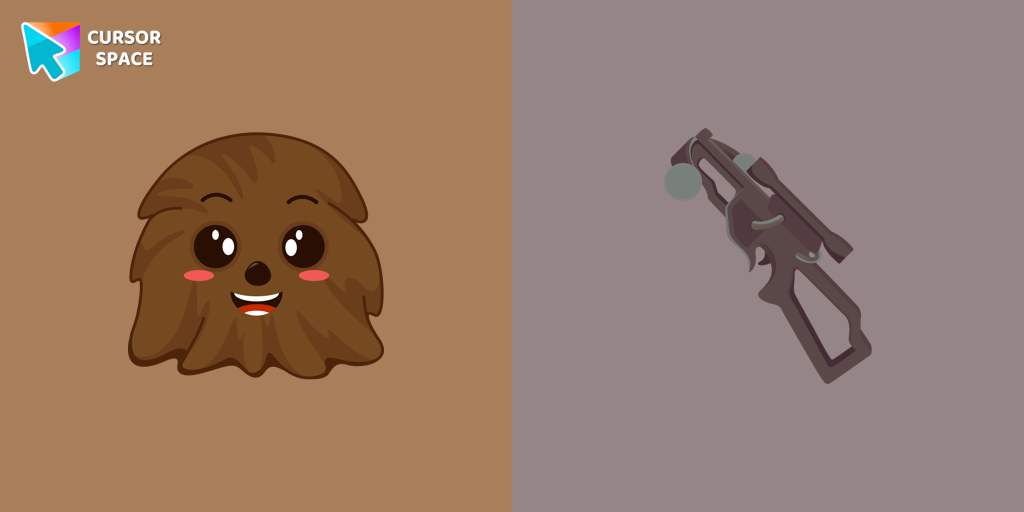
Chewbacca cursor
(81)FreeThe Chewbacca custom cursor for Google Chrome brings the lovable Wookiee to your screen. Upgrade your browsing experience with this iconic design.
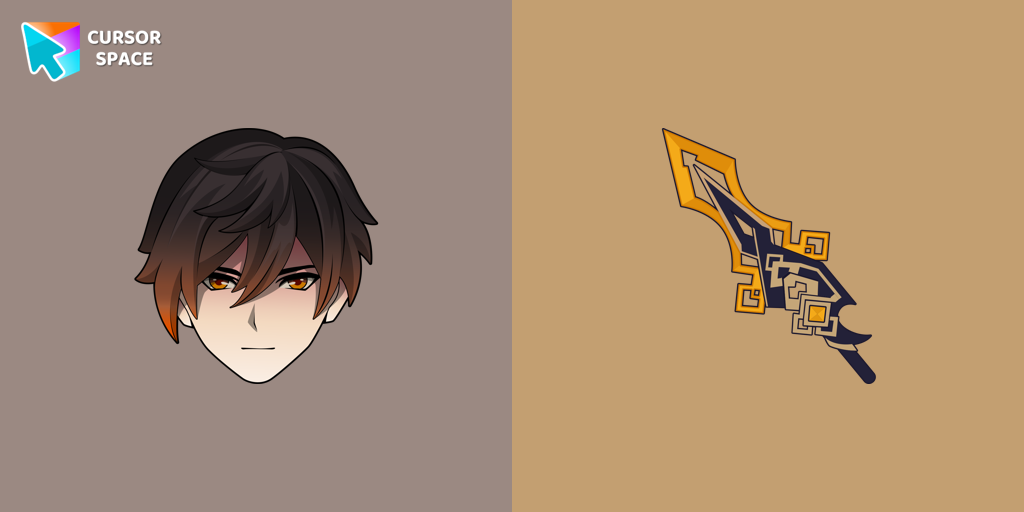
Zhongli cursor
(75)FreeWe are glad to present this custom cursor with Zhongli from the adorable custom cursors collection for the mouse and pointer.

Wanda cursor
(230)FreeTransform your browsing experience with the Wanda custom cursor for Google Chrome. Featuring the powerful Wanda Maximoff, this magical cursor adds enchantment to your screen
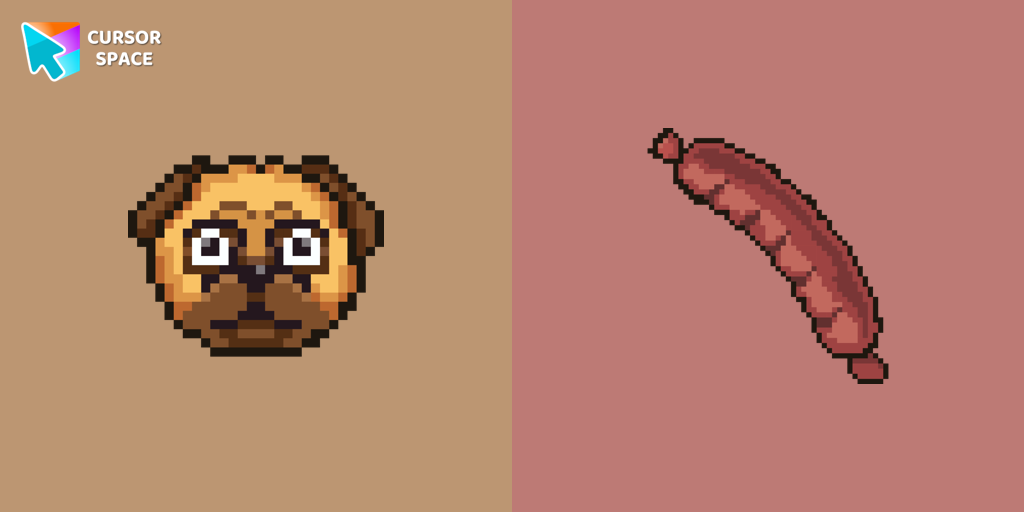
The Pug Pixel cursor
(76)FreeCustom cursors with Pug Pixel are a great option in a Cute Pixel cursor collection.

Sucrose cursor
(58)FreeCollect all cursors from the Genshin Impact cursors collection for Chrome.
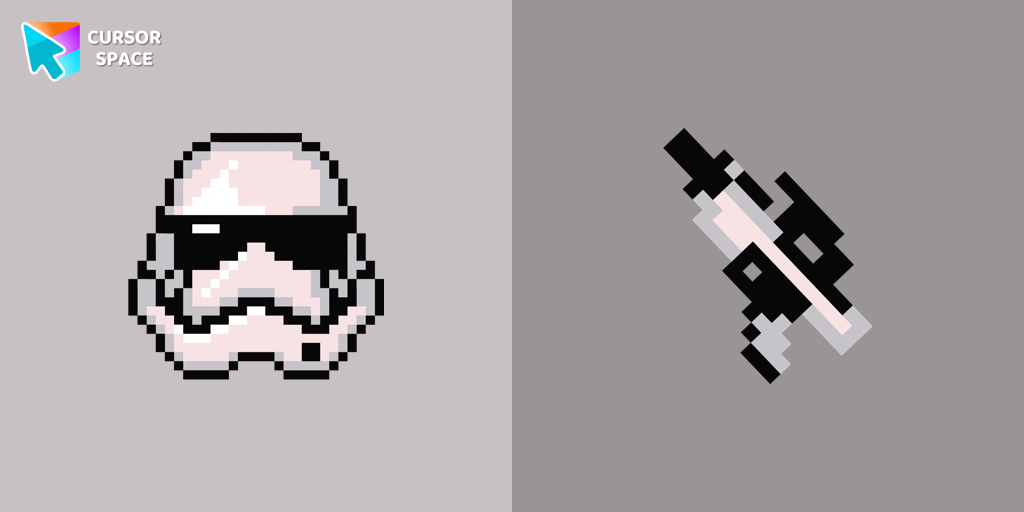
Stormtrooper Pixel cursor
(89)FreeStormtrooper Pixel cursor for a mouse is a good fan art to decorate your browsing. Blaster rifle comes together with the custom cursor with Stormtrooper Pixel.
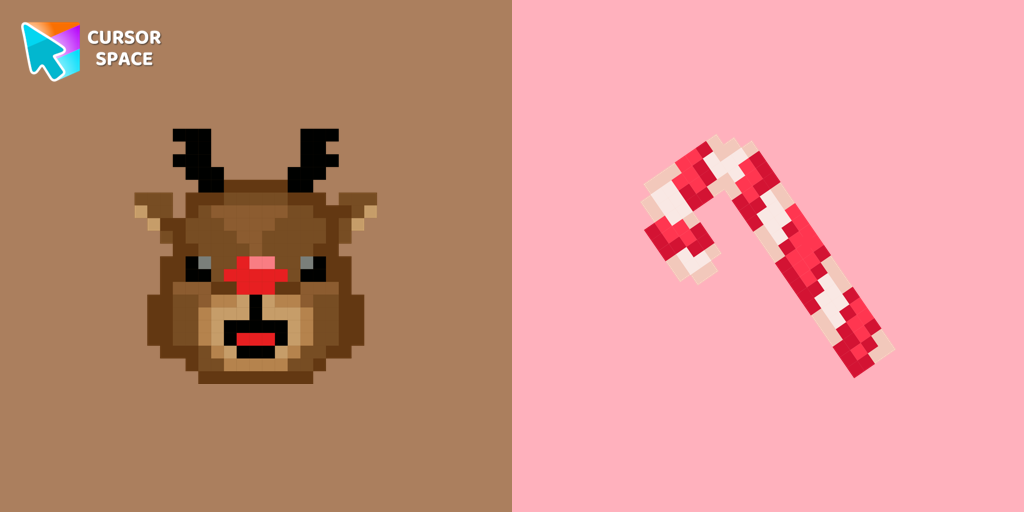
Reindeer Pixel cursor
(81)FreeCute custom cursor with Reindeer includes a mouse cursor in the form of a candy cane and a hover pointer with Reindeer.
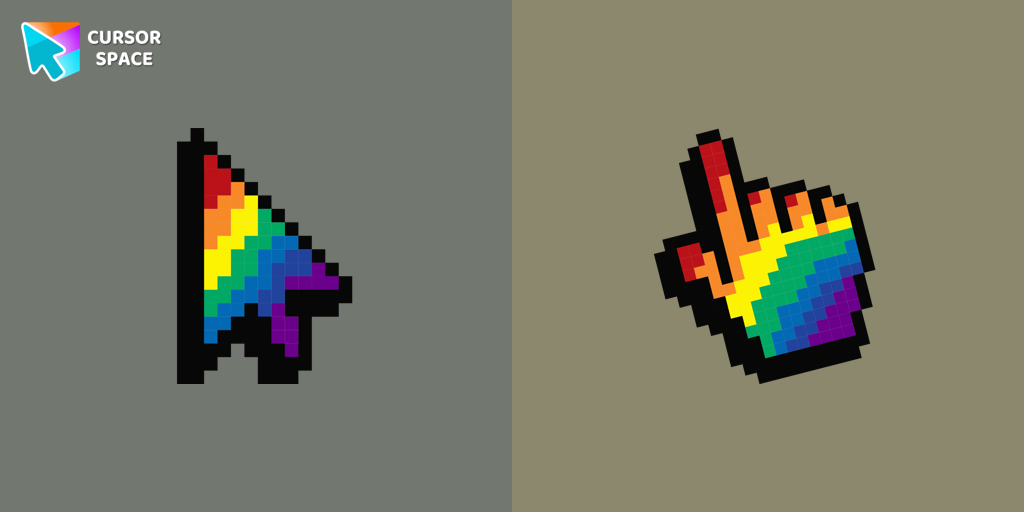
Rainbow Pixel cursor
(91)FreeAdd an attractive rainbow custom cursor for the mouse and pointer.
Collection hits
Installation leaders from "Bibata Cursor Collection": free packs, neon/anime/pixel art, quick add to Chrome and Edge.
- TOP 1

Bibata Modern Classic Cursor
(493)FreeEnhance your desktop with Bibata Modern Classic Cursor - a stylish custom cursor that combines elegant design with classic comfort for everyday use.
- TOP 2

Bibata Modern Ice Cursor
(217)FreeEnhance your desktop with Bibata Modern Ice Cursor, a stylish and elegant custom cursor inspired by ice, perfect for a memorable user experience.
- TOP 3

Bibata Original Classic Cursor
(192)FreeEnhance your desktop experience with the Custom Bibata Original Classic Cursor, a stylish and modern option for both work and leisure.

Bibata Spirit Cursor
(157)FreeEnhance your digital experience with the elegant Bibata Spirit custom cursor, offering sleek design, smooth navigation, and improved visibility

Bibata Ghost Cursor
(156)FreeElevate your digital experience with the Bibata Ghost custom cursor—sleek, translucent, and minimalist, offering smooth navigation and a sophisticated style.

Bibata Original Ice Cursor
(156)FreeRefresh your desktop experience with Bibata Original Ice, a stylish custom cursor featuring transparent shades and a unique ice effect for everyday use.

Bibata Original Amber Cursor
(121)FreeEnhance your workspace aesthetics and efficiency with Bibata Original Amber Cursor, a custom cursor offering refined design and excellent visibility.

Bibata Tinted Cursor
(109)FreeEnhance visibility and productivity with the Bibata Tinted custom cursor - stylish, nimble, and vibrant for a personalized browsing experience.

Bibata Modern Amber Cursor
(102)FreeUpgrade your desktop with the Bibata Modern Amber custom cursor—stylish, sleek, and functional, offering enhanced visibility and a unique amber touch.
Bibata Modern Amber
(61)FreeThe Bibata Modern Amber Cursor is a stylish design with a sleek amber hue, ideal for enhancing any computer interface.
Install Cursor Space - A Collection of Custom Cursors for Chrome & Edge
Add packs instantly and unlock access to thousands of cursors: neon, anime, pixel-art, and more. Fast, safe, and free.
- Free cursor packs
- HD/HiDPI & animated icons
- Quick browser installation
Cursor Space is an extension for changing your mouse cursor in Chrome and Edge browsers: themed collections, HiDPI icons, neon, animated, and pixel cursors, with quick installation.